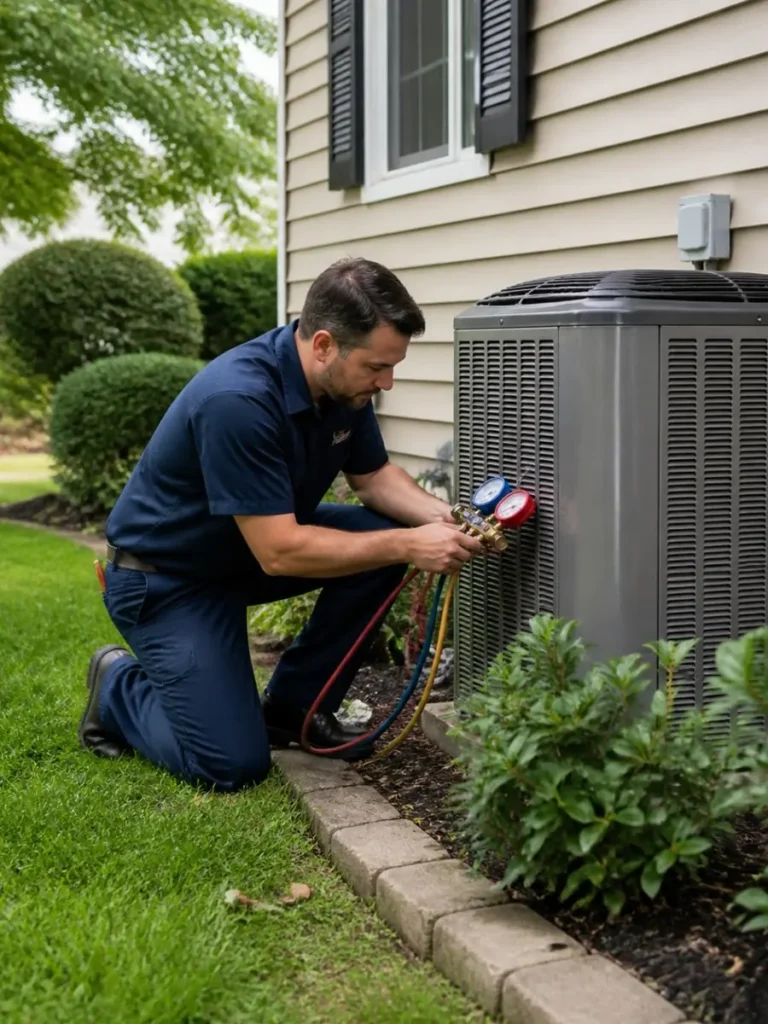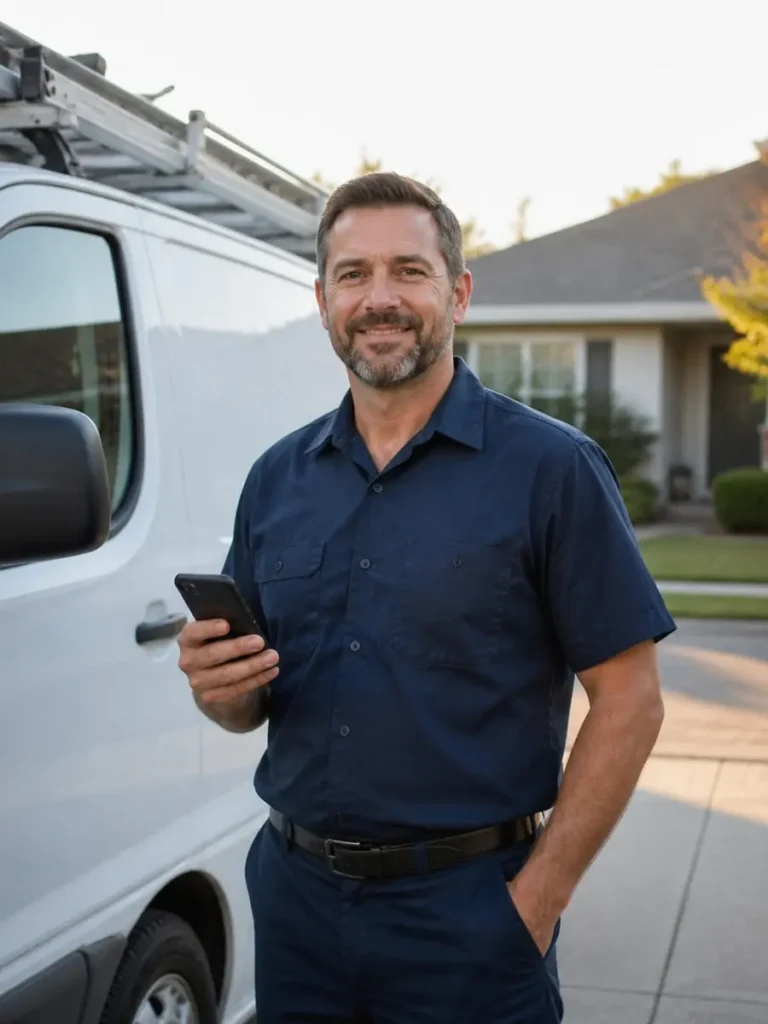
Reviews do two jobs for a home service business. They help you show up in Google Maps, and they help a homeowner decide to call you instead of the company next to you. The businesses with steady, recent reviews are usually not luckier. They just ask every time.
When to ask
The best moment is right after the job, while the customer is happy and the work is fresh. Within an hour of finishing is ideal. Asking a month later, in a batch, gets far fewer replies.
How to ask: one short text
Get your review link from your Google Business Profile (look for “Ask for reviews” or “Get more reviews”). Then send something like:
Thanks for choosing us today! If you were happy with the job, a quick Google review helps our small business a lot: [your review link]
Keep it short, friendly and personal. If the tech who did the job sends it, even better. Our review engine sends this automatically after every completed job, so nobody has to remember.
Make it part of how every job ends
Train your team to mention it in person too: “You will get a quick text from us. If you have a minute, a review really helps.” A spoken heads-up makes the text feel expected rather than random.
Reply to every review
Thank happy customers by name and mention the job if you can. For unhappy reviews, stay calm, take responsibility where it is fair, and offer to fix it offline. Future customers often judge you more on how you handle a bad review than on the review itself.
What never to do
Google’s review policies are strict, and breaking them can get reviews removed or your profile restricted. Do not:
- Offer discounts, gifts or anything else in exchange for reviews
- Ask only happy customers and steer unhappy ones away (often called review gating)
- Write reviews for yourself, or have staff, friends or family post them
- Buy reviews from any service
- Post reviews on behalf of customers
Honest reviews, asked for consistently, beat any shortcut. They also hold up over time.
Turn reviews into more calls
Once reviews start coming in, use them. Show a few on your website near the call button, mention them in ads where allowed, and keep your Google Business Profile fresh with new photos. Reviews work best as part of a full system for getting found and getting the call.
Want help setting up automatic review requests? Book a free growth audit.
This article is general information for home service business owners, not legal or financial advice. Platform rules change, so check Google's and your local requirements before making changes.